
1. Sign in as an organizer
Choose Organizer and register or sign in with a passkey. Creating a group requires the organizer plan. Check the price and eligibility in the purchase screen.
Illustrated steps for organizers and participants.
Illustrations explain the steps; actual screens vary by app version.
Choose Organizer and register or sign in with a passkey. Creating a group requires the organizer plan. Check the price and eligibility in the purchase screen.
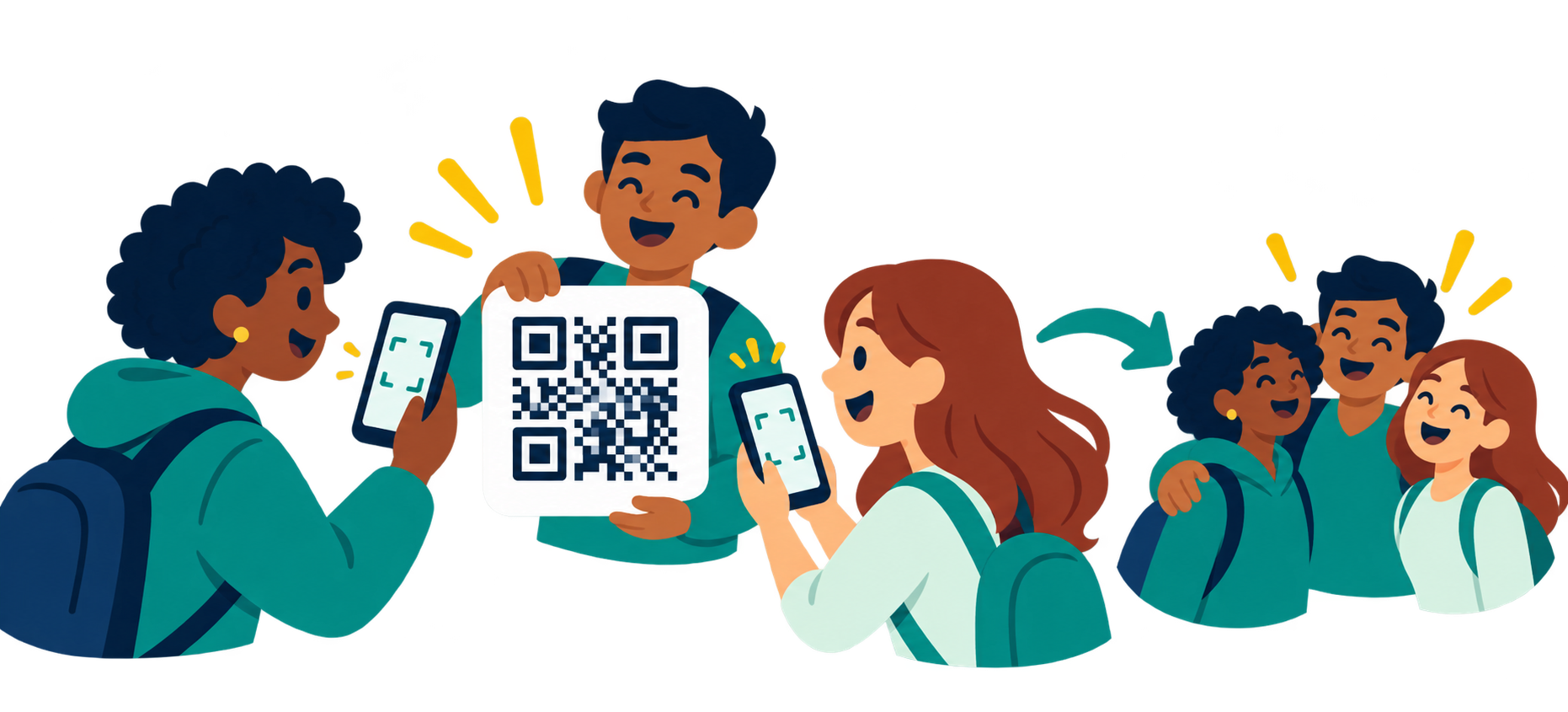
Create a group and share its QR code or join link. Use the map, attendance check and chat to coordinate.
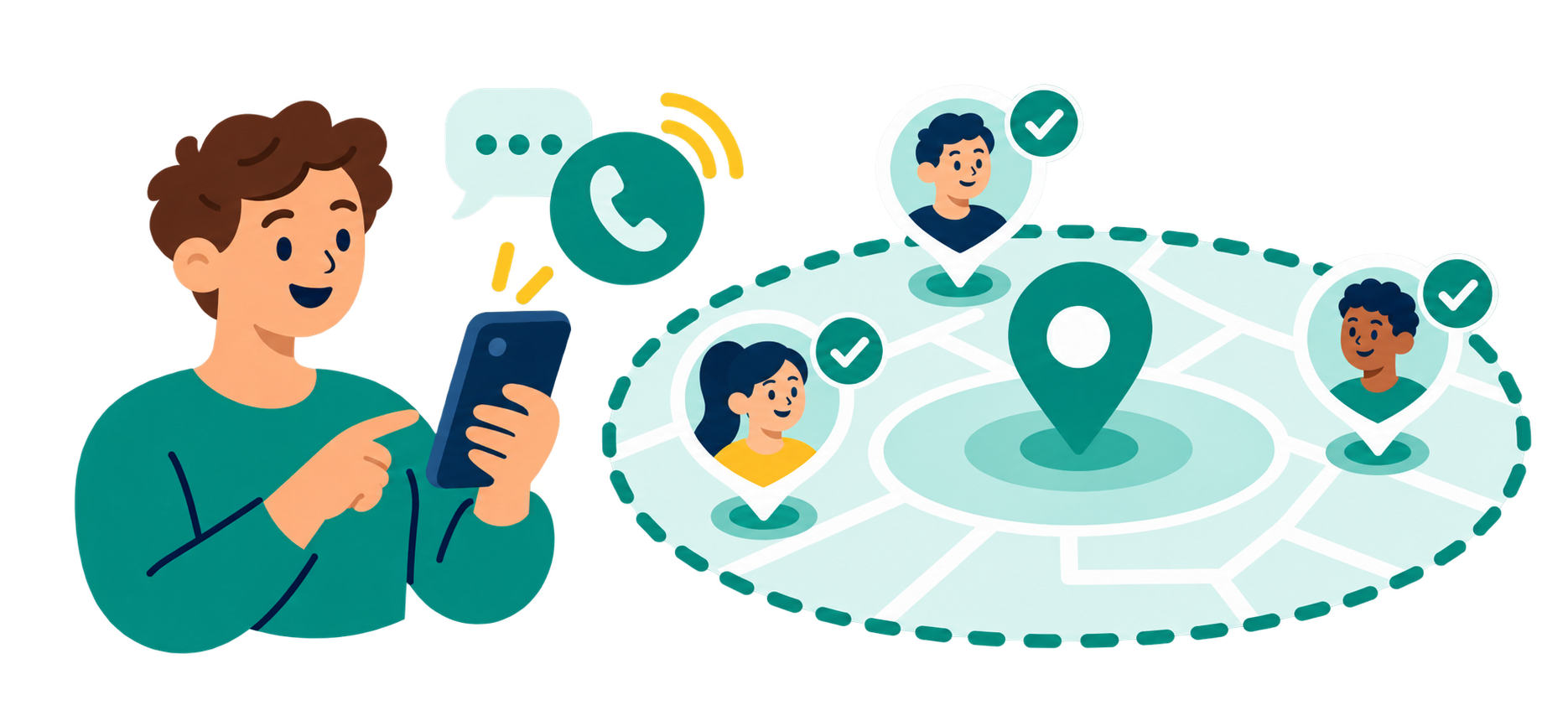
Check whether participants are inside the selected area. Chat or call the people you need to reach, and end the group when your event is finished.
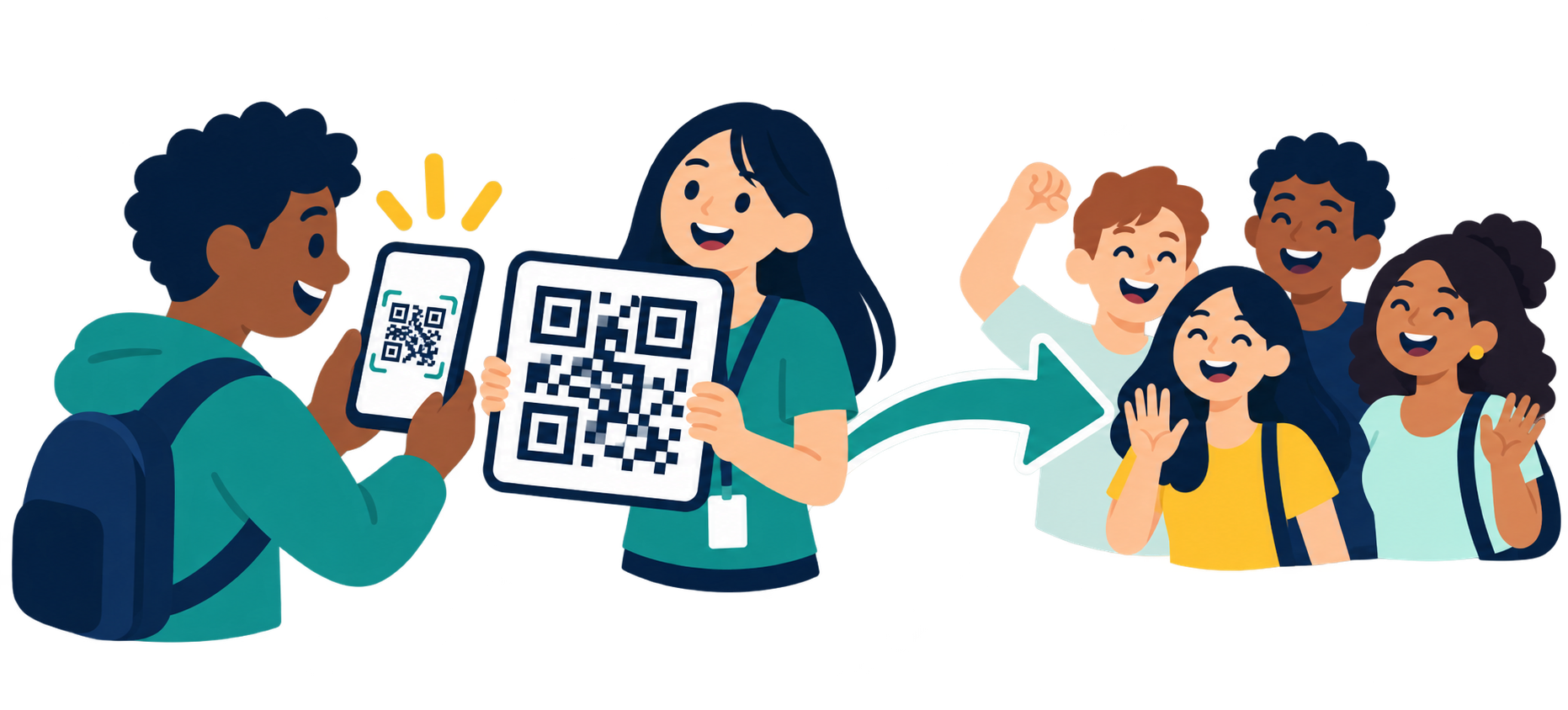
Open the organizer’s QR code or link, set your display name and sharing preferences, and join. Participants do not purchase the organizer plan.
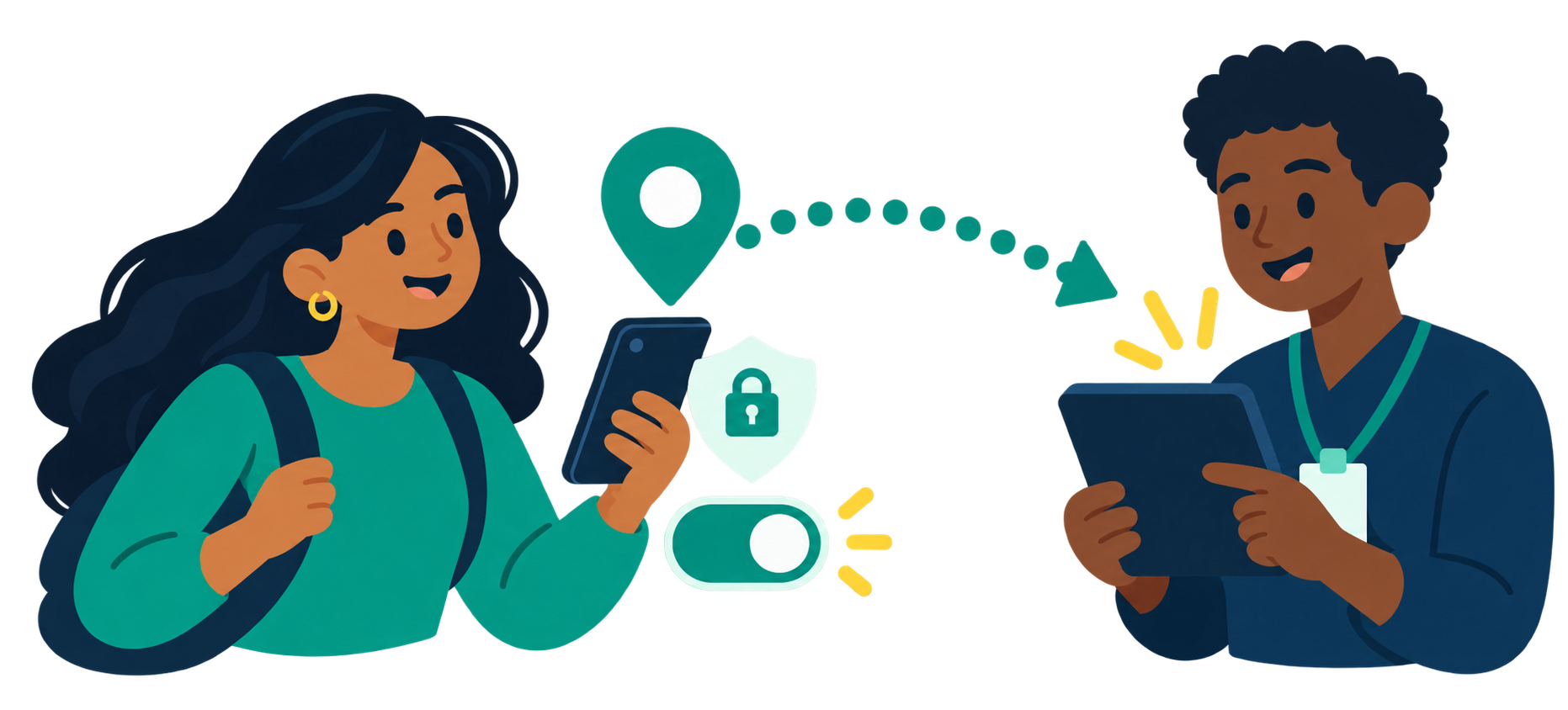
Check device location permission, then choose Start location sharing. Choose Stop location sharing when no longer needed. Sharing is optional.
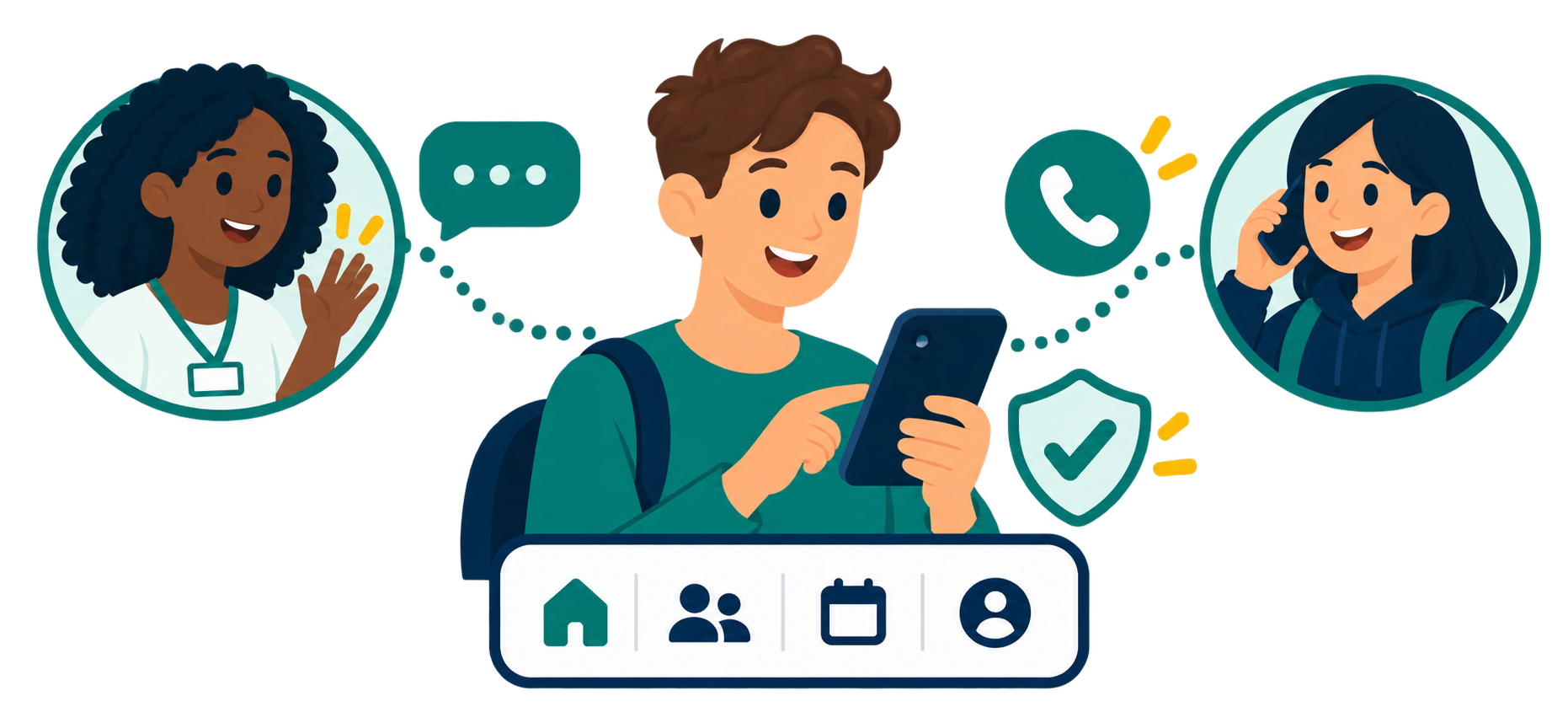
Use Organizer, Group, My Settings and Participants tabs. Chat or call people who allow it. To end sharing with the group, choose Leave group and read the confirmation before leaving.
Cancelling the organizer plan is separate from ending a group or deleting an account; use Apple subscription settings.